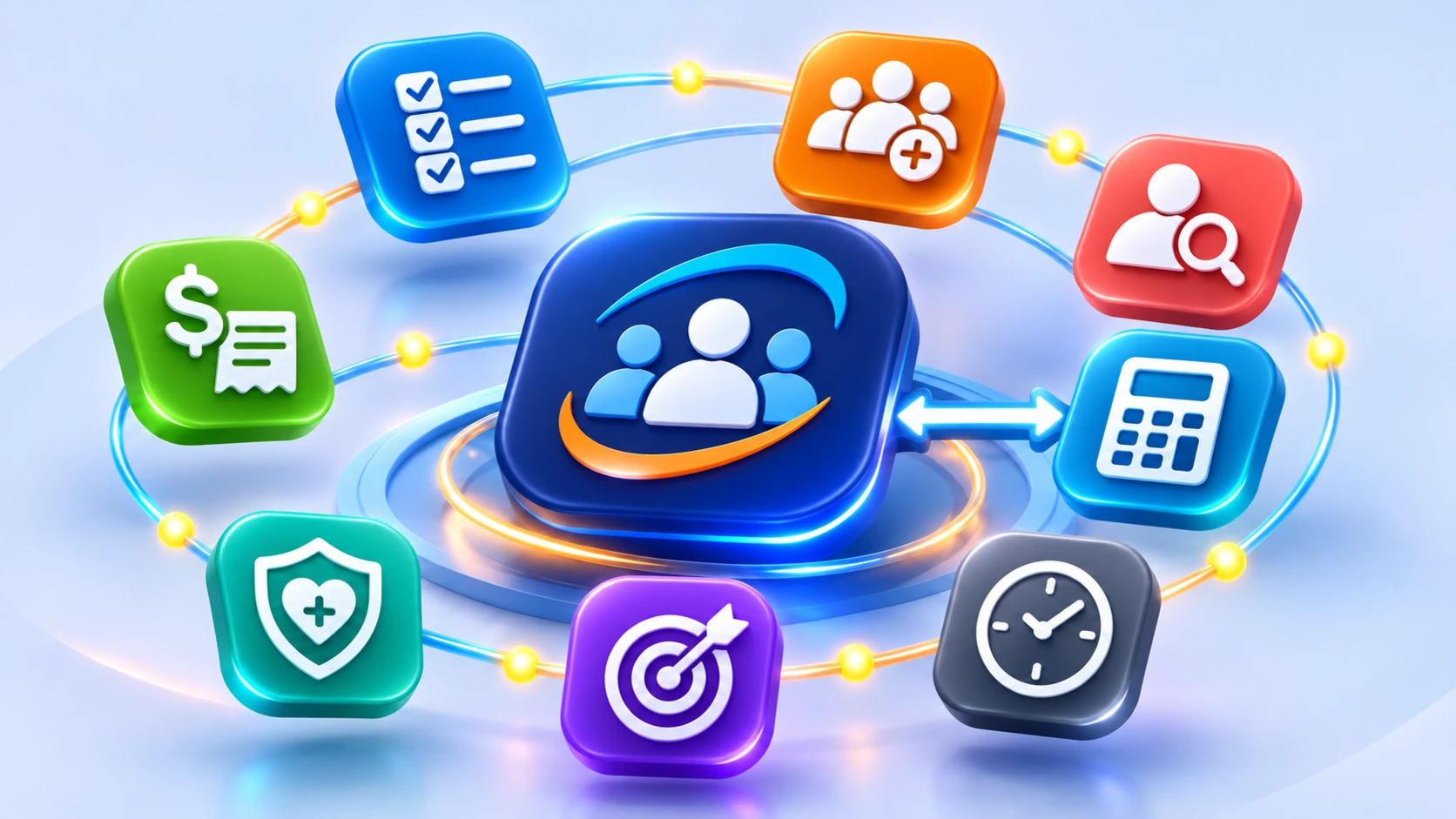
One clear starting point. Explore your entire C4HR workspace.
C4HR is the starting point for your staff, contractors and
volunteers. People information and workflows move seamlessly
across the system, including payroll, benefits, background
checks and time tracking. Approved time moves into payroll, and
processed payroll can move into your accounting software’s
general ledger.
01 / 08 · CORE MODULE
People
Organize the employee journey from the first invitation through ongoing development and everyday people operations.
Employee, contractor and volunteer profiles
Automated onboarding
Build custom workflows
Dedicated digital employee files
Organizational Charts
C4HRSearch people, documents or tasks
ILLUSTRATIVE PRODUCT WORKSPACE
People workspace
Profiles, tasks and onboarding progress
Profiles148
In onboarding12
Tasks due7
Employee workflow
Invite employee and create profileCOMPLETE
Assign role-based documentsACTIVE
Track onboarding progressVISIBLE
Team activity
Illustrative operational activity
Illustrative interface and sanitized sample data. C4HR workspaces are configured to reflect each organization’s needs.
From a first-day checklist to a better performance conversation,
C4HR brings the people-work together in a configurable HR platform
that grows with your organization.
Eight connected areas.
One easier way to manage HR.
Give your team a place to organize, automate and follow the
work—not another disconnected set of spreadsheets and reminders.
FROM MANUAL TO CONNECTED
See what changes when the work moves together.
Move the technology lens to compare a paper-heavy process with
a more organized, connected workday. C4HR helps bring tasks,
people information, documents and follow-up into one
configurable HRIS.
The C4HR technology image controls a before-and-after
comparison. Move left for more manual work or right for more
automation.
Manual processConnected workday
C4HR technology
Drag to compare
← More manualMore automation →
Manual process
Paperwork, re-entry and disconnected reminders
Connected workday
Clearer ownership, visible progress and more room to focus
on people
Illustrative transformation. Available modules, connections and
workflows depend on the solutions selected and configured for
your organization.
People
People records, onboarding and custom workflows
Documents
Company resources, digital files and form builder
Performance
Goals, reviews, engagement and feedback
Pay / Benefits
Connected access to selected workforce systems
Time
PTO requests, approvals and time-card access
Background Checks
Employee, contractor and volunteer screening
Analytics
Workforce reporting, labor costs, turnover and tasks
Company
Roles, permissions, structure and settings
MANAGING TASKS, WORKFLOWS AND ONBOARDING
Keep work moving— at a desk or on the go.
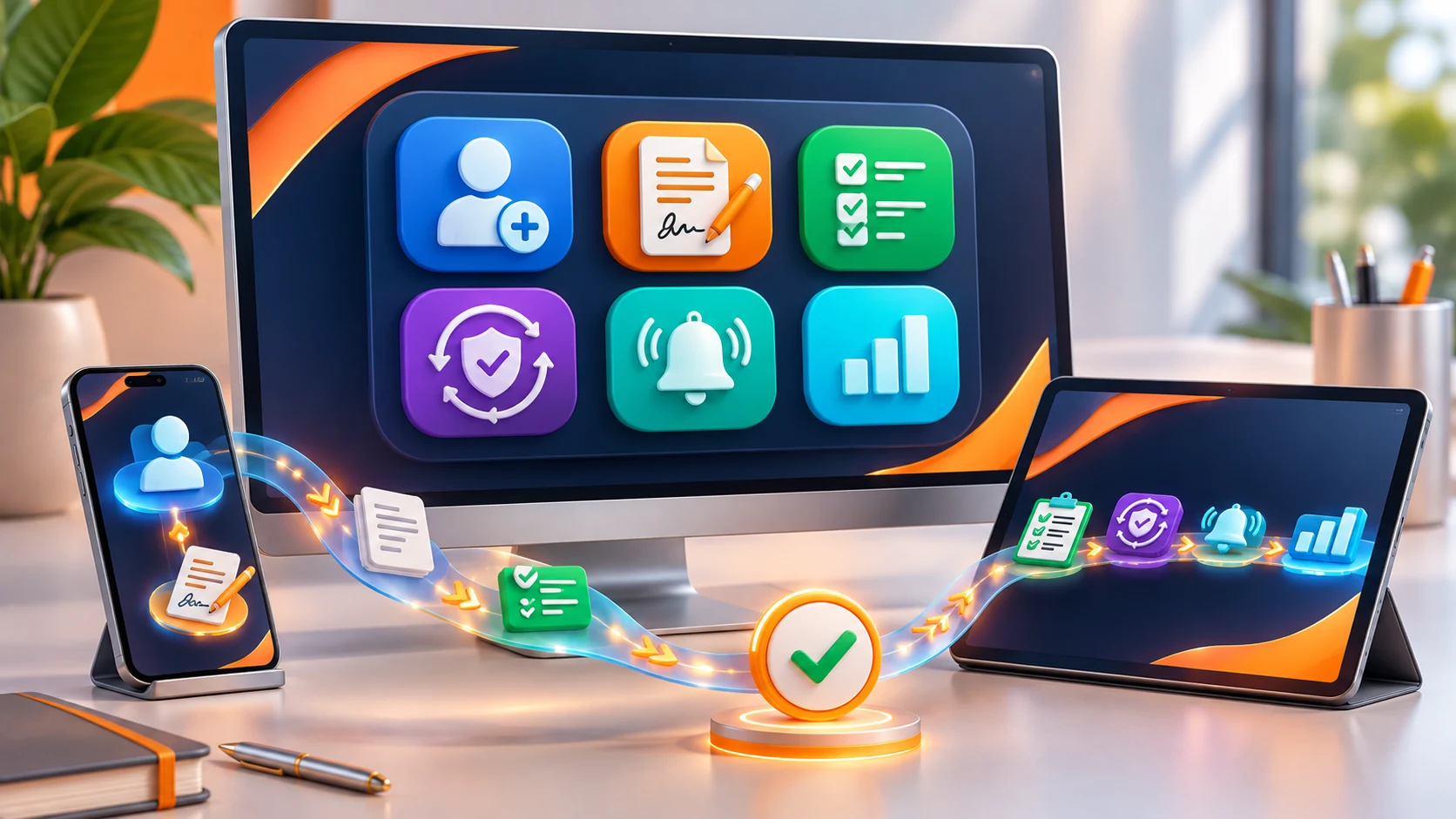
Bring onboarding, recurring responsibilities and other
custom workflows into one configurable process. Assign
tasks and deadlines, notify the right people and give
administrators a clear view of progress—while supported mobile
access helps staff stay connected on the go.
Tailor workflows for onboarding, training, certifications and
other organizational processes
Set tasks, deliverables, due dates, alerts and dependencies
Track assigned, completed, in-progress and overdue work
Let authorized administrators update workflows as processes
evolve
Manage from one clear viewAuthorized administrators can build and update workflows,
assign tasks and deadlines, and monitor progress from the
dashboard.Stay connected on the goSupported mobile access helps staff keep up with assigned
tasks and workflows away from a desk. Availability depends
on the configured solution.
ILLUSTRATIVE ONBOARDING FLOW
01
New hire intakeMapped fields create an employee profile
Completed ✓
02
Role-based tasksDocuments, acknowledgments and forms assigned
In progress
03
Signatures & filesCompleted forms filed in a digital employee record
Next
04
Progress dashboardAdministrators can see what’s ready or overdue
Visible
ENGAGE, DEVELOP, GROW
Multiply Organizational Capabilities with Intention.
C4HR gives you the tools and flexibility to build employee
engagement and satisfaction surveys, custom reviews, goals
& objectives, and 360-degree feedback as part of an ongoing
rhythm of providing clarity, meaningful feedback,
accountability, and growth for staff.
“Strong organizations are built when leaders stop managing
people and start developing them”
— C4HR Founder
INTENTIONAL DEVELOPMENT
Turn feedback into forward motion.
CUSTOM REVIEW BUILDERQuarterly development check-in
How clearly have priorities been communicated?
12345
ONGOING DEVELOPMENT RHYTHM
Goals→Check-ins→Reviews→360° insight
Configurable workflows keep progress visible.
01
Custom by Design
Build reviews and surveys that reflect your culture, your style
and your organizational needs. Not sure where to begin... Start
with C4HR’s best practice templates and together we’ll build a
strong foundation for feedback and staff development.
02
Goals & Continuous Feedback
Using C4HR’s Goals & Objectives module, build short and/or
long-term goals with custom check-ins throughout the year,
capture status and progress reports, 2-way employee/manager
comments, and use the system’s dashboard to easily track the
team’s progress.
03
360° Insight & Employee Engagement
Bring managers, peers, and direct reports into configurable
360-degree workflows. Use engagement and satisfaction surveys
to gather meaningful feedback, identify trends, and better
understand the employee experience.
04
Automated Rhythm & Accountability
Assign participants, establish due dates, send notifications,
and track completion through configurable workflows. Recurring
review and survey cycles keep the process moving without
relying on spreadsheets, email chains, or manual reminders.
MANAGING PEOPLE OPERATIONS
Stay ahead. Check in as needed. Put recurring tasks on autopilot.
Let automation manage your background checks for you. Let system
notifications and reminders alert you to act. Use dashboard
check-ins to stay on top of deliverables. Use over 60 custom
permissions to control user access, data security and
confidentiality.
Employee Files
Each employee, contractor and volunteer is assigned a dedicated
digital file where all signed documents are automatically
stored or can be manually uploaded to a secure location.
Recurring background checks
Set custom intervals and screening packages for employees,
contractors and volunteers. Completed background checks and
abuse training certificates are automatically filed to the
individual’s file.
Dashboards, reports, & accountability
Utilize quick access compliance dashboards to track companywide
tasks, onboarding, background checks and send reminders. Use
reports to analyze turnover, headcount and wage trends.
Configurable access
With over 60 custom permissions, system administrators can grant
or restrict system access by role, department, or individual to
protect confidential or sensitive data.
LET’S GET STARTED
A platform built around your people.
Explore your HR processes with the team that will help configure
them.