
TIME & LABOR

Accurate Time.
Clear Coverage.
Payroll-Ready Hours.

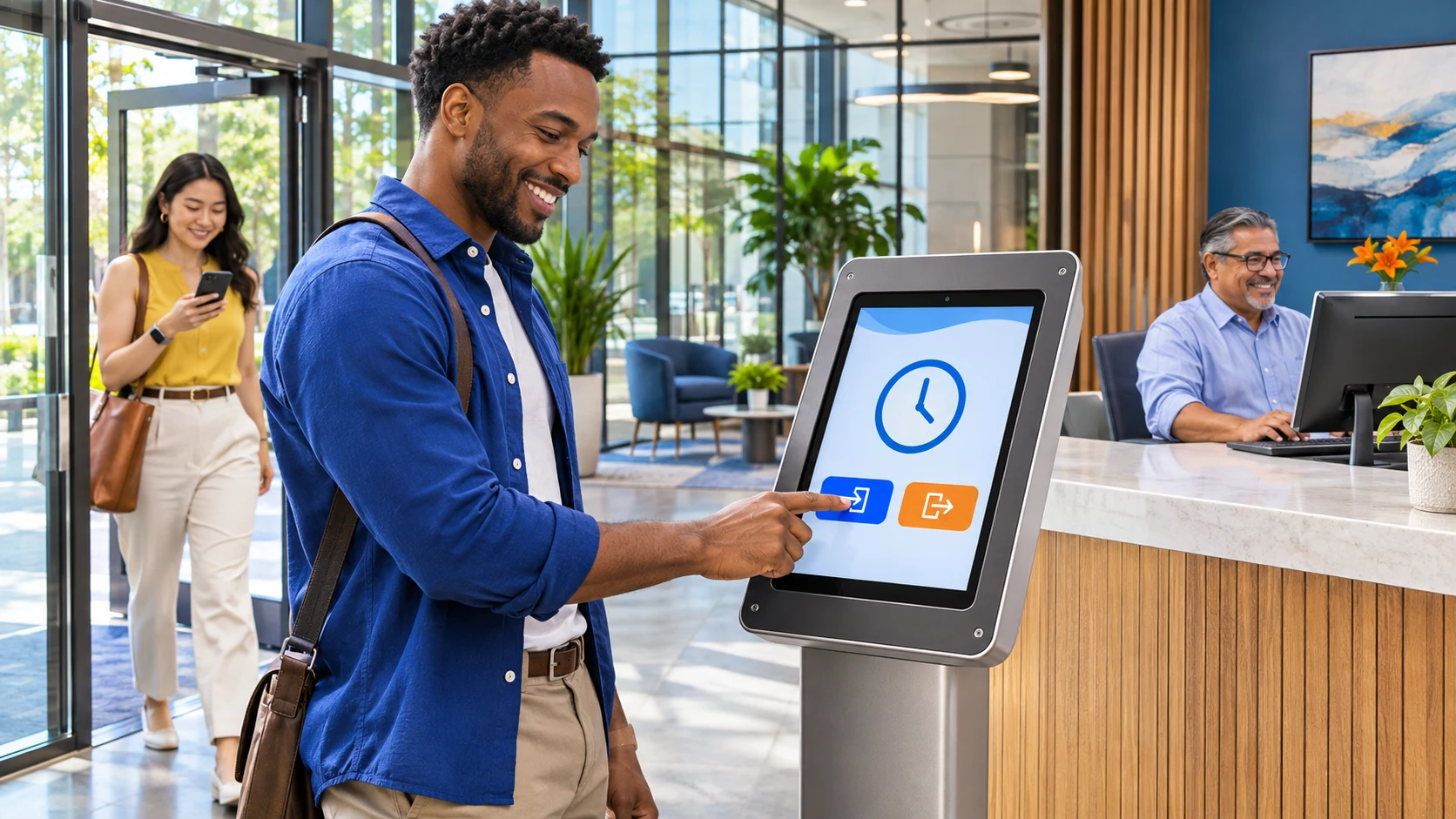
Employees can clock in, transfer between assigned roles and pay rates, and request PTO from a mobile device or PC. Managers gain a clearer view of timecards, requests, schedules and coverage. Once approved, hours move directly into payroll—without repeated uploads or manual entry.

Easy for employees Clear for managers Ready for payroll
Smiling employee holding a smartphone displaying an illustrative mobile time clock with clock-in, clock-out, PTO and time-card controls
Time. PTO Requests. Balances. at your fingertips
EMPLOYEE EXPERIENCE

Clock In. Transfer Roles. Request Time Off.

A supported mobile experience helps employees and managers stay connected.

  • Record time
  • Clock in-out anywhere
  • Transfer b/w assigned roles and rates
  • Review timecards
  • Check schedules
  • Request time-off
  • Check balances
9:41●●●
C4HRTIME
Current time 8:12 AM On the clock

Last punch: Clock In at 8:02 AM

HomeTimeScheduleMore
CLOCK IN-OUT Accurate time acrossall roles.

Employees can clock in and out, start or end breaks and meals, and transfer between assigned roles. A transfer closes the first role and starts the next while capturing the hours, department code and assigned wage rates for each.

Illustrative capability view; available actions depend on the configured solution.
MANAGER OPERATIONS

Know Who’s Working. See Who’s Off.
Plan What’s Next.

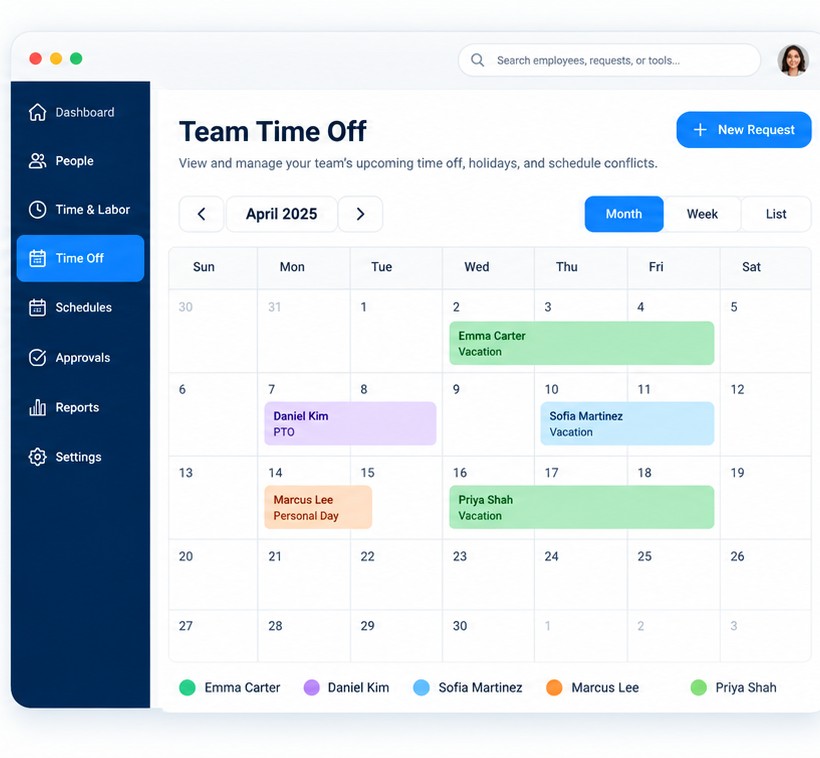
A team PTO calendar and visual shift schedule give managers a straightforward view of upcoming time off, daily assignments and team coverage—without requiring them to piece together multiple calendars, spreadsheets or email chains.

Illustrative manager monthly PTO calendar with color-coded team absences and time-off entries
01 / PTO & COVERAGE

See upcoming time off.

Review approved and requested PTO in a shared calendar view to spot overlaps and plan coverage with confidence.

  • Team view of upcoming days off
  • Clear calendar-based PTO visibility
  • Time-off review alongside coverage decisions
  • Fewer disconnected calendars and email chains
02 / SCHEDULING & LABOR PLANNING

See who is working.

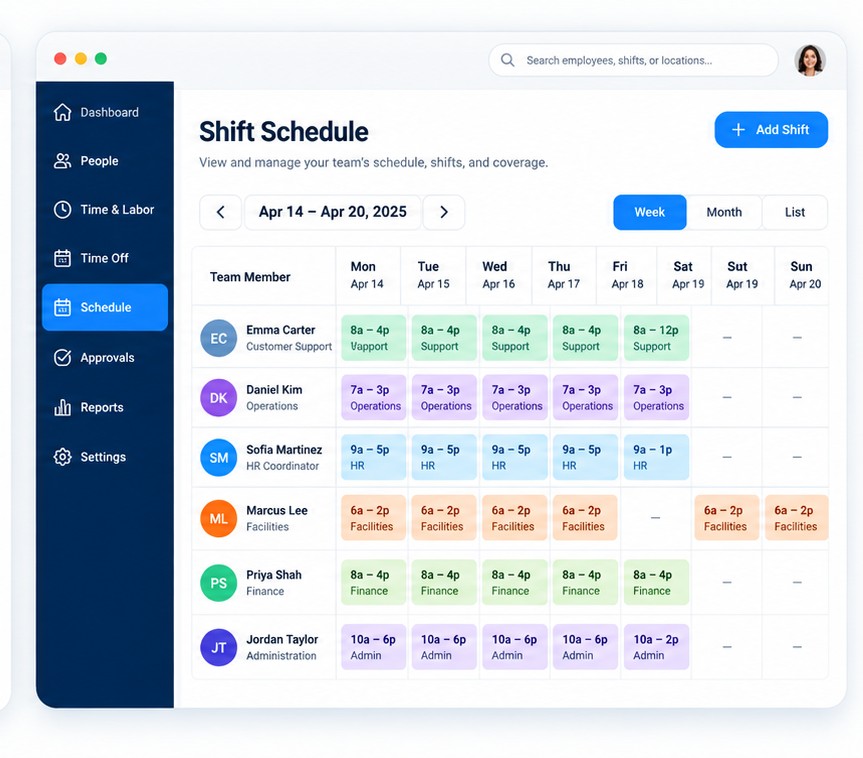
Use a visual schedule to compare daily assignments, scheduled hours and team coverage in one PC-based view.

  • Weekly and daily shift views
  • Team coverage in a PC-based scheduling layout
  • Scheduled hours and work assignments
  • Configuration based on the selected time solution
Illustrative desktop staff shift scheduler showing rows of employees and color-coded weekly shift assignments
CONNECTED WORKFORCE OPERATIONS

From Time Entered to G/L Updated.
No Re-entry. No Uploads.

When Time & Labor and Payroll are configured together, manager-approved hours move directly into payroll processing. Processed payroll can then support mapped accounting entries— reducing repeated data entry and manual handoffs.

Time enteredMobile, web or manager entry
Manager approvedAuthorized review and sign-off
Payroll processedPay, taxes and reporting
G/L updatedConfigured accounting entries
FOR MANAGERS

Review timecards and PTO requests with clearer status and fewer disconnected handoffs.

FOR PAYROLL & FINANCE

Receive approved hours without repeated uploads, re-entry or manual file movement.

Explore Payroll & Benefits

Available with configured Time & Labor, Payroll and supported accounting connections.

TIME & LABOR

Built Around the Way Your Team Actually Works.

C4HR helps configure the time experience around your operating structure, assigned roles, PTO practices, approval paths and payroll connection—then provides implementation, training and ongoing support to help your team use it successfully.